
Introduction to ExpressJS.
What is ExpressJS ?
ExpressJS is a minimal and flexible NodeJS web application framework. It is mainly designed for developing web applications and APIs.
It is an open source framework developed and maintained by NodeJS foundation. Though it possesses minimal features, many features are available via plugins.
Unlike Rails and Django, which have an opinionated way of building apps, Express has no “best way” of doing somethimg. It mainly aims for the flexibility of the application.
Key Assets.
- High Performance.
- Robust routing.
- Test coverage.
- Extensible.
- Reusable.
Why use ExpressJS ?
- Express lets you build single-page, multi-page, hybrid web applications and mobile applications.
- Supports MVC architecture.
- Contains a default template engine called Jade which facilitates the flow of data into a website structure and supports other template engines as well.
- It is cross platform and not limited to any particular OS.
Installing ExpressJS.
Since ExpressJS is a framework of NodeJS, first we have to install NodeJS.
After installing node, to add ExpressJS as a module in our project first we need to create a project directory and a package.json file inside it. JSON file is responsible of containing every information about express project.
mkdir myapp
cd myapp
npm init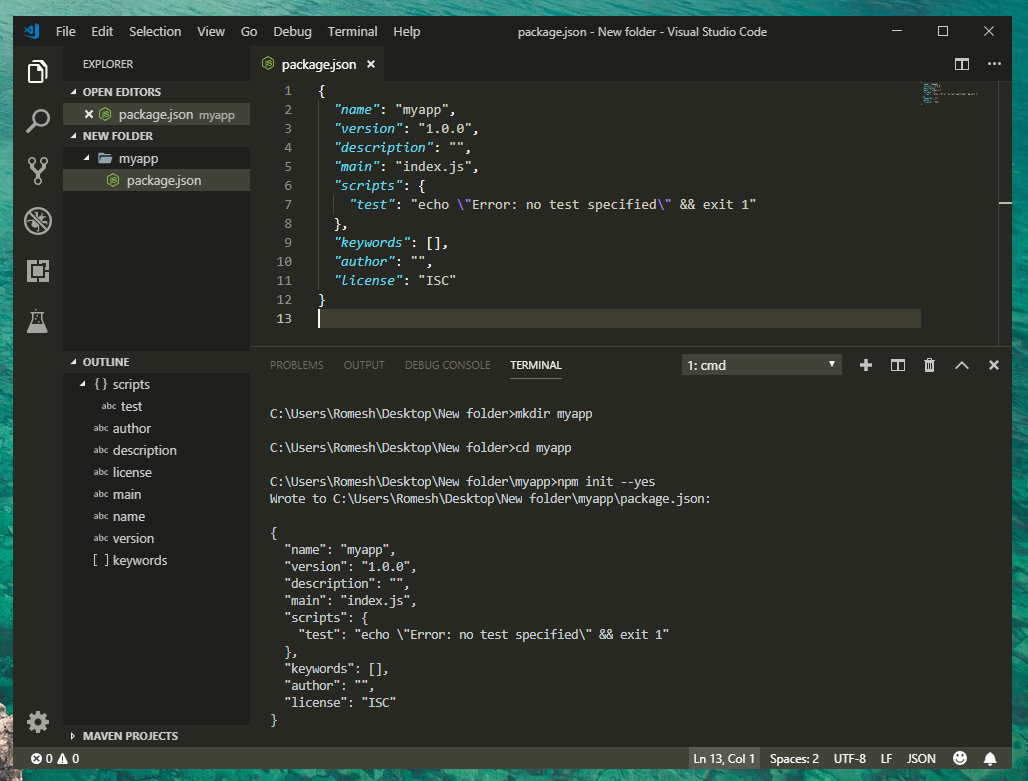
Now we can start installing Express. You can install Express on your machine by entering following commands.
Global Installation – any node application can access the ExpressJS framework.
npm install -g express --saveLocal Installation – only the particular app which we are currently developing can access the ExpressJS framework.
npm install express --saveThere are two main ways to confirm that Express has successfully installed on your machine. The first way is to check whether there is a new package.json file name under the dependencies.
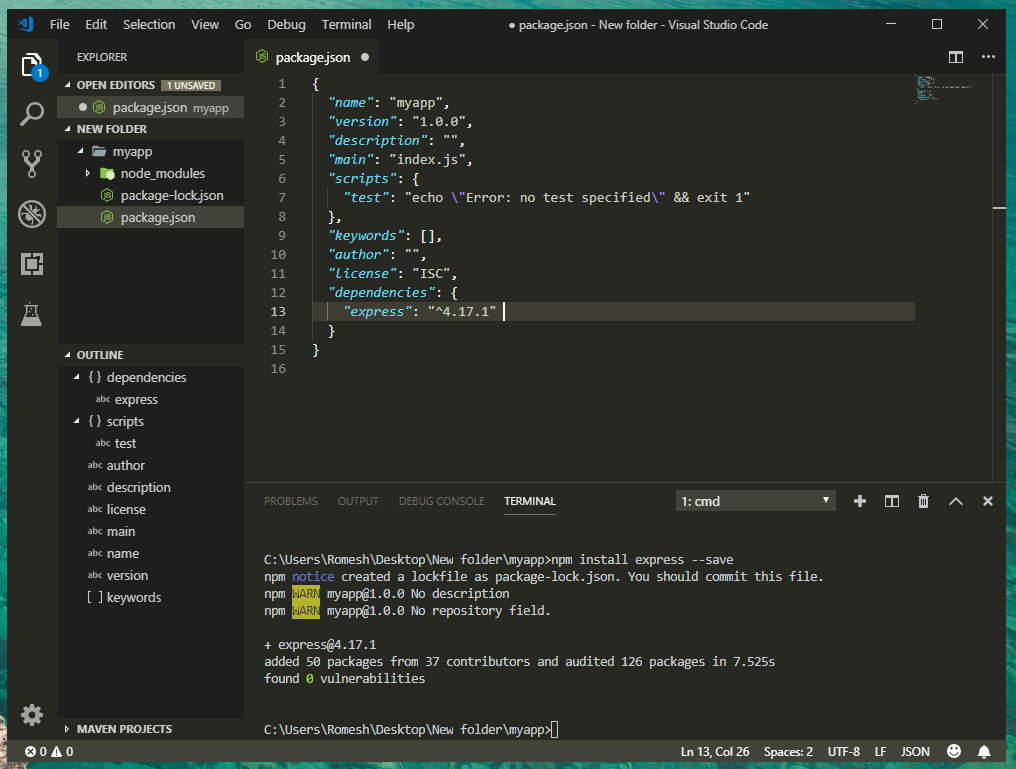
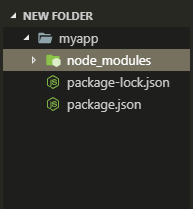
The second way is to check whether a new folder called node_modules is appeared in the root of our project directory. This node_modules folder stores the packages we install locally in our project.
Building a Server with Express.
Create a file, index.js at the root of the project’s directory.
const express = require ('express');
const app = express();

app.get('/', (req,res) => res.send('Hello World!'));

app.listen(3000, () => console.log(''Listening to port 3000'));
To start the server, enter the following command in the terminal.
node index.jsThis will start the Server.
And thats it for the Introduction to ExpressJS. Hope you have got the basic idea of what ExpressJS is, about its core concepts and how to get start with Express.
. . .
Thanks for reading! ❤️
If you have any queries regarding this article, feel free to comment out in the comment section below or contact me on twitter.


